Those of you who know me know that I don’t use Gmail for a variety of reasons. But, I know you do. Here’s looking at you, kid.
When you go to http://gmail.com to login, your browser greets you with a happy “this webpage is secure” notification.
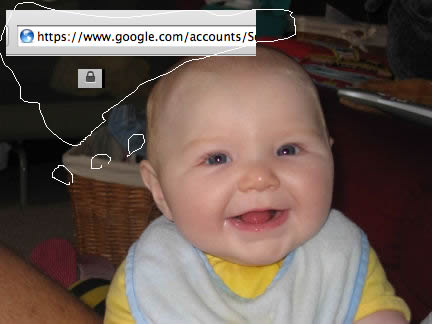
And you sign in. Your username and password is sent using an encryption technology called SSL/TLS so that people who see your information go by can’t actually read it.
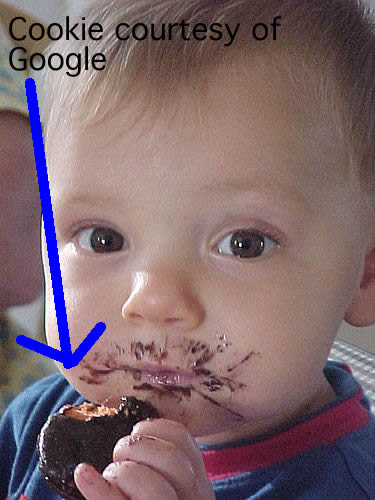
Google then sends you, over the same encrypted connection, a delicious cookie to identify you so that you don’t have to sign in every time you request something from them.
This is all standard practice. But then Google does something sneaky. It redirects you to the non-encrypted version of Gmail.

All subsequent information you retrieve is sent over the internet unencrypted, available for any eavesdropper1 to see.

This is particularly important when you’re browsing over an untrusted network, like the wireless network at Starbucks, the connection you happen to use on a park bench, or even my wireless network when you come to my apartment (where I may or may not log packets).
 [^2]
[^2]
Now, we all know that you don’t want your correspondence with the new half-orc you met at the Friday Dungeons and Dragons session to be known to the world.
Worse than anyone being able to see everything you send back and forth to Google, the eavesdropper could intercept the delicious cookie, install it in their browser, and impersonate you. They would have complete access to all of your information at Google.
There is a simple fix to avoid this potential embarrassment, however cute the half-orc may in fact be. Instead of going to http://gmail.com, use https://gmail.google.com which will encrypt everything you send and receive to and from Google.
Remember, your love life is counting on it.

Picture of happy baby by cnbyates.
Picture of cookie baby by Jason Trom.
Picture of Eva Longoria by steature.
Picture of Orc Donny by cristajoy42
All are licensed under CC Attribution-Noncommercial 2.0 Generic.
-
“Alice” is the name used for the [unassuming victim of computer security][wiki]. “Eve” is the typical name for the “eavesdropper.” [wiki]: http://en.wikipedia.org/wiki/Alice_and_Bob ↩︎